
 Giao hàng toàn quốc



Seamless Multitasking Across Two Devices
Built-in Auto KVM allows for effortless switching and control between two connected laptops or PCs with a single keyboard and mouse, enabling easier multitasking.
A desktop setup with a monitor, keyboard, mouse, and two connected PC and laptops.
Auto KVM

The USB-C That Does it All
The included USB-C port enables superfast data transfers, DisplayPort connectivity, and 96-watt power delivery to charge laptops or other devices―all via a single cable. PA249CGV also serves as a USB hub: any device connected to the monitor’s USB ports gains access to other connected peripherals.
A diagram showing the capabilities of a USB-C connection. An image of a laptop connected to a monitor via a USB-C cable illustrates these functions.

- Pow

Expansive Connectivity
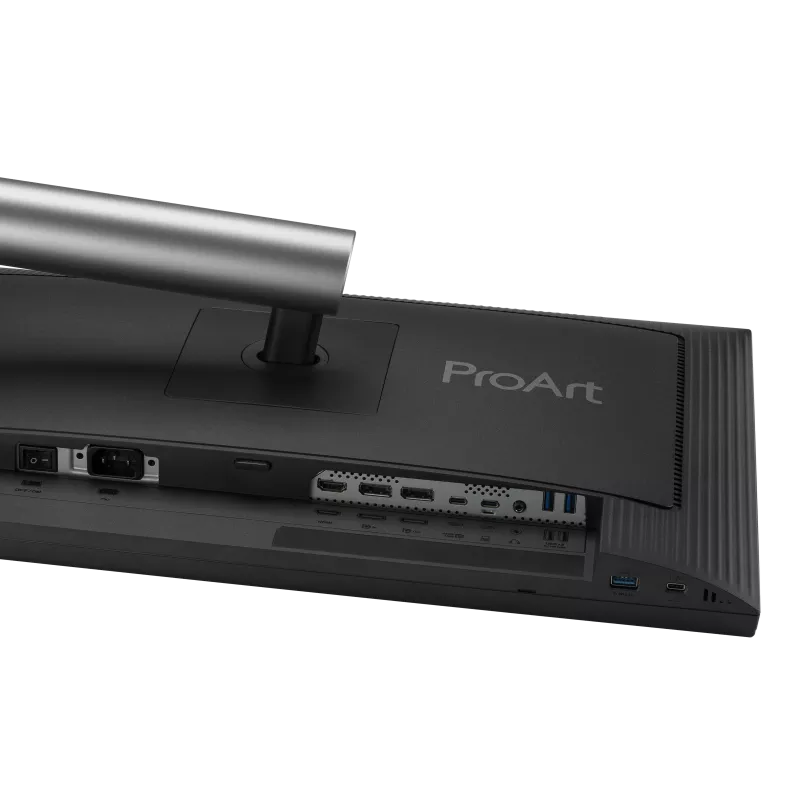
In addition to USB-C port, PA249CGV offers a myriad of connectivity options, including HDMI(v2.1), DisplayPort1.4 (in, out), USB Type-A, and an additional USB-C downstream port for compatibility with a wide range of devices. PA249CGV also includes a passthrough port for headphones.
 DisplayPort Daisy-chain
*MacBook daisy-chaining capabilities may vary by model. For more information, please visit .
Easily Connect Devices
A built-in USB 3.2 hub along the bottom bezel of PA249CGV includes one USB Type-A port and USB-C, allowing for easy connections to a variety of devices and peripherals, as well as charge compatible devices.*
*Check the power requirements of the connected device to ensure it aligns with the monitor’s USB power output.
USB3.2 Hub
Easy to access

Ergonomic Stand
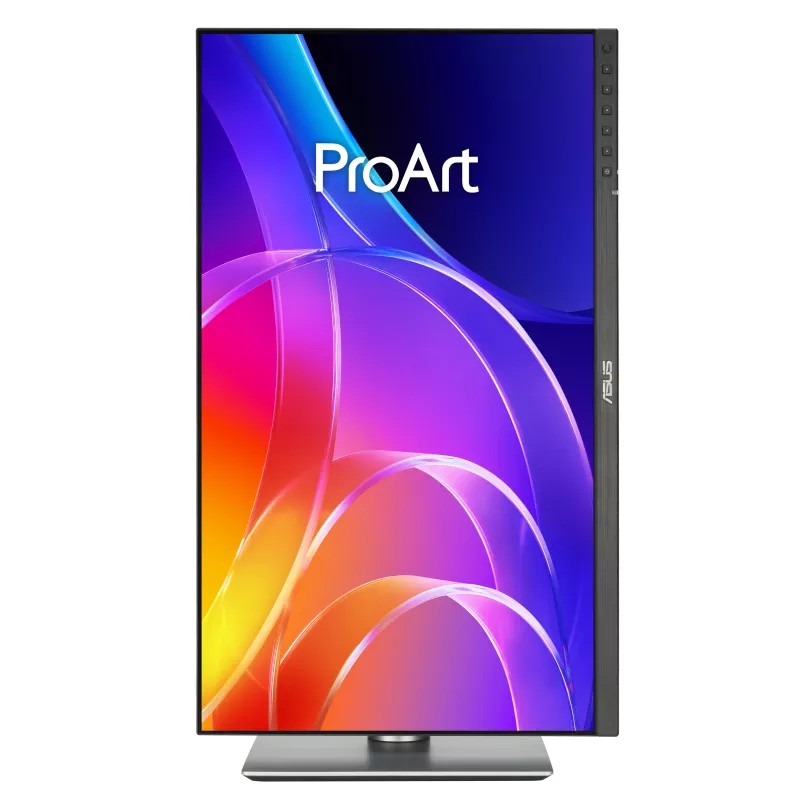
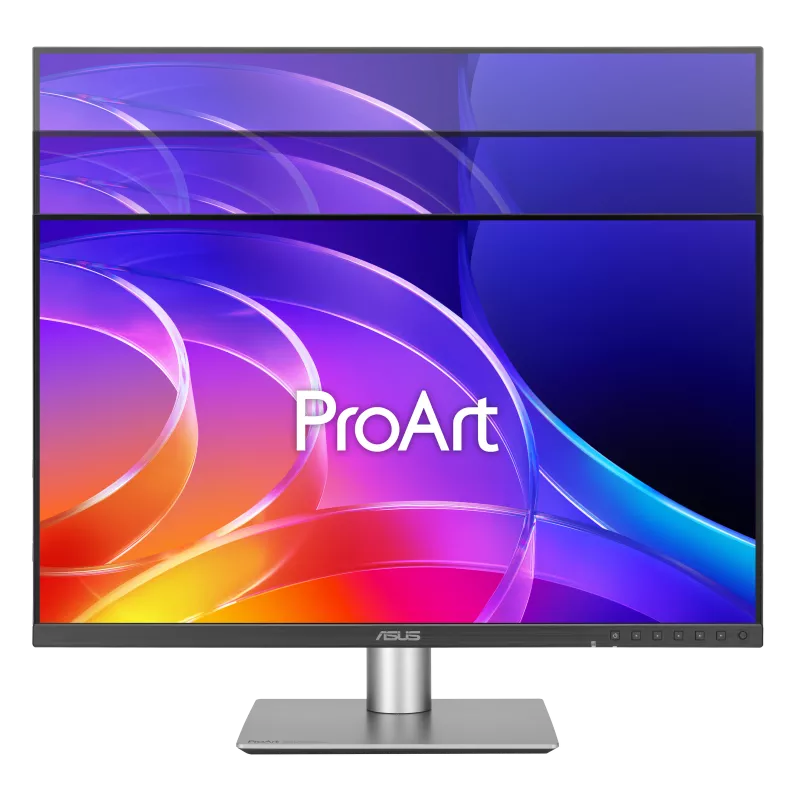
Each ProArt Display features an ergonomic stand with tilt, swivel, pivot, and height adjustments for comfortable viewing. The ability to pivot the screen clockwise or counterclockwise 90° for use in Portrait mode comes in handy when working with long documents, coding or web browsing. Furthermore, the quick-release feature makes it easy to attach the display via the integrated VESA wall mount―screw-free, so it's done in seconds!
-

-

-

-
04.Pivot-90°~+90°

Streamline Your Workflow with
ProArt CaliContrO
The versatile ProArt CaliContrO MCA02 three-in-one colorimeter works with ASUS-exclusive apps for hardware and software calibration. It also supports the generation of ICC profiles for conventional monitors and laptop screens, enabling comprehensive color management across a wide range of devices. On-Screen Display (OSD) control via MCA02 enables quick adjustments when connected to a compatible monitor, with vibration feedback for enhanced usability. Built-in ASUS Dial features offers instant and precise control for Adobe apps and other applications by enabling customized shortcuts.

*The functions supported by the ProArt CaliContrO MCA02 may vary depending on the monitor model and operating system (OS).
*ProArt CaliContrO MCA02 is sold separately and is not included in the package.
ASUS Power Sync
Streamline and Declutter Your Desktop
ASUS Power Sync allows HDMI-connected devices to power on/off simultaneously with supported ASUS monitors, offering single-action control. Customizable via the MyASUS app with ASUS NUC*, this feature enhances device synergy for improved organization and productivity.

